K
Why we save more than we read
Saving a link feels like reading it. A short history of the unread pile, from commonplace books to browser tabs.
Read It Later is a reading library. Send it links from anywhere, and it keeps your X bookmarks in sync on its own. Anything unread keeps its corner folded down until you read it.
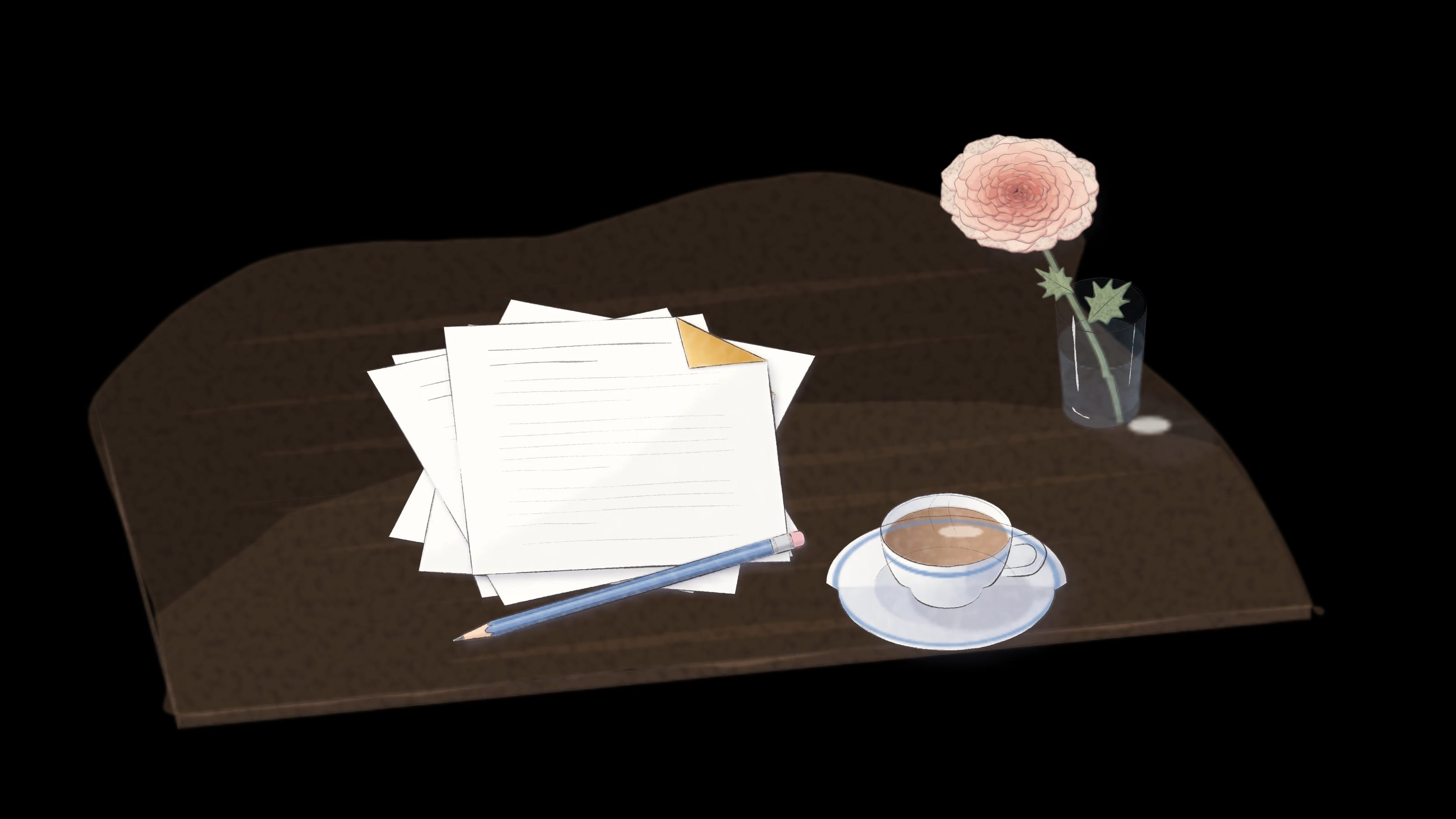
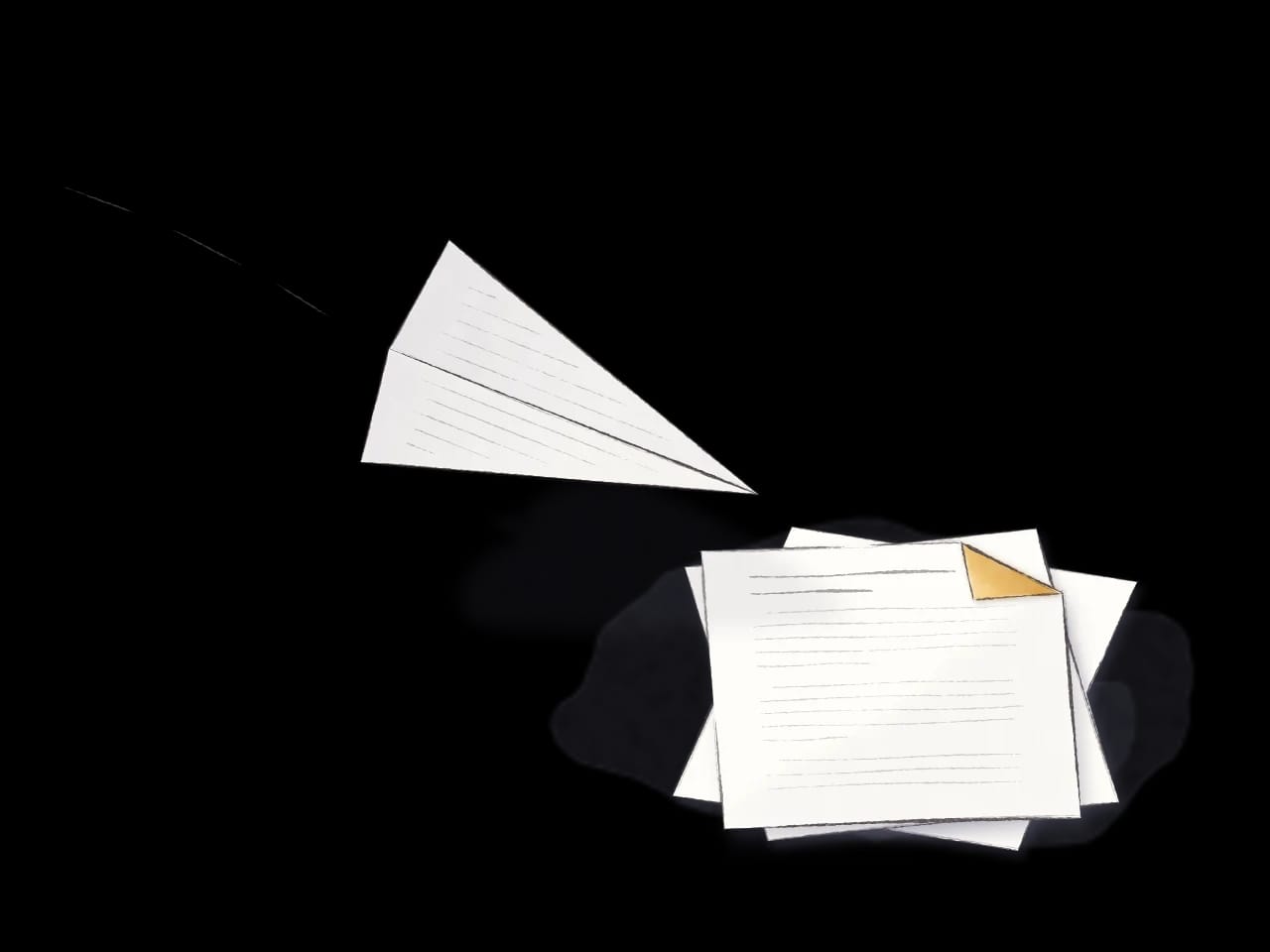
Paste it, drop it, or send it from another app. Read It Later fetches the title, description, image and reading time, so the card is ready by the time you look.
Connect X once and Read It Later checks your bookmarks every 15 minutes. New ones arrive beside your links, with the post, its author and its images. The first sync brings in your most recent 800 or so.
Once you have read a bookmark, it can be removed from X after a delay you choose: right after reading, after 1 to 30 days, or never. It stays in your library under Read.
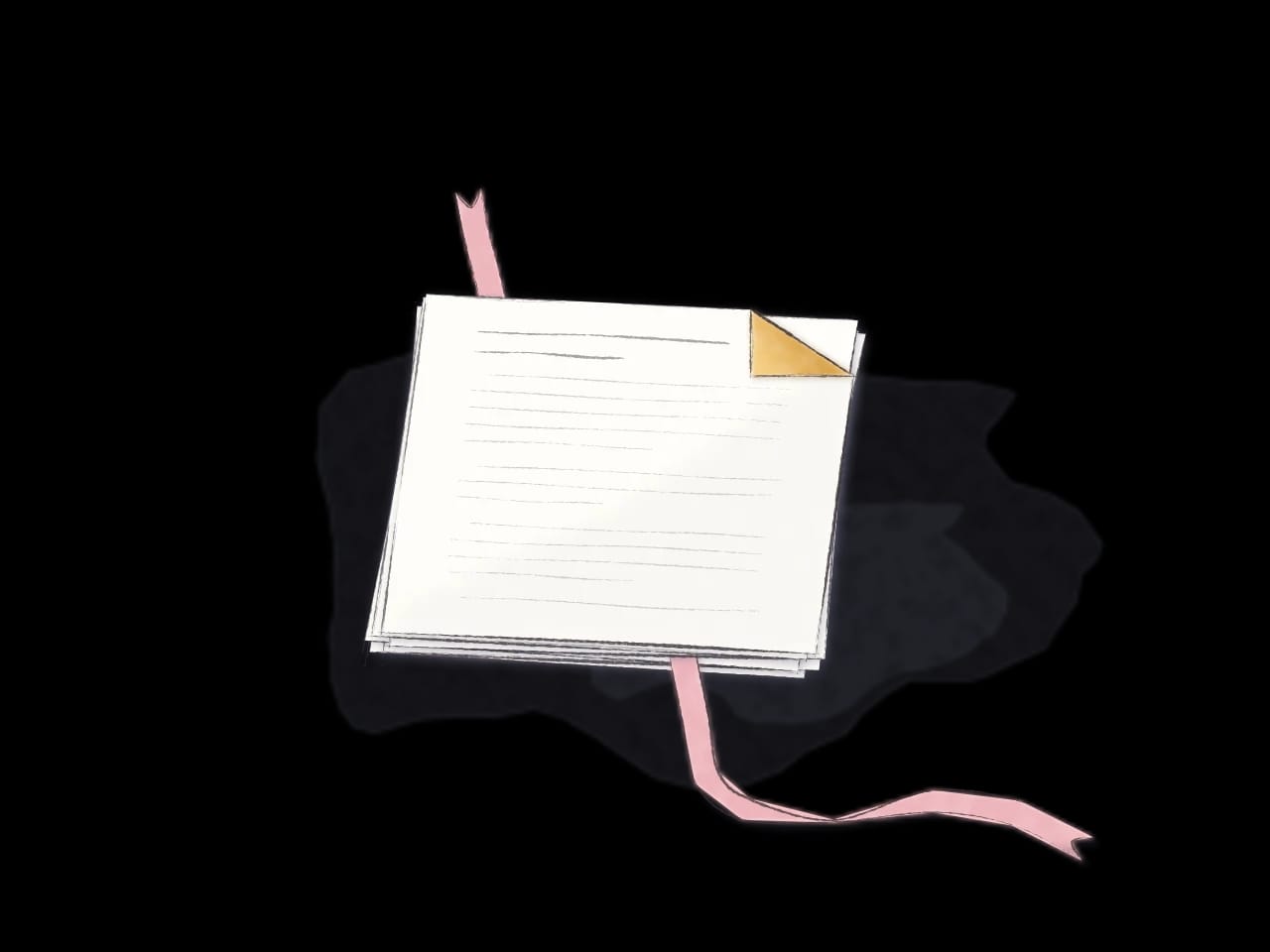
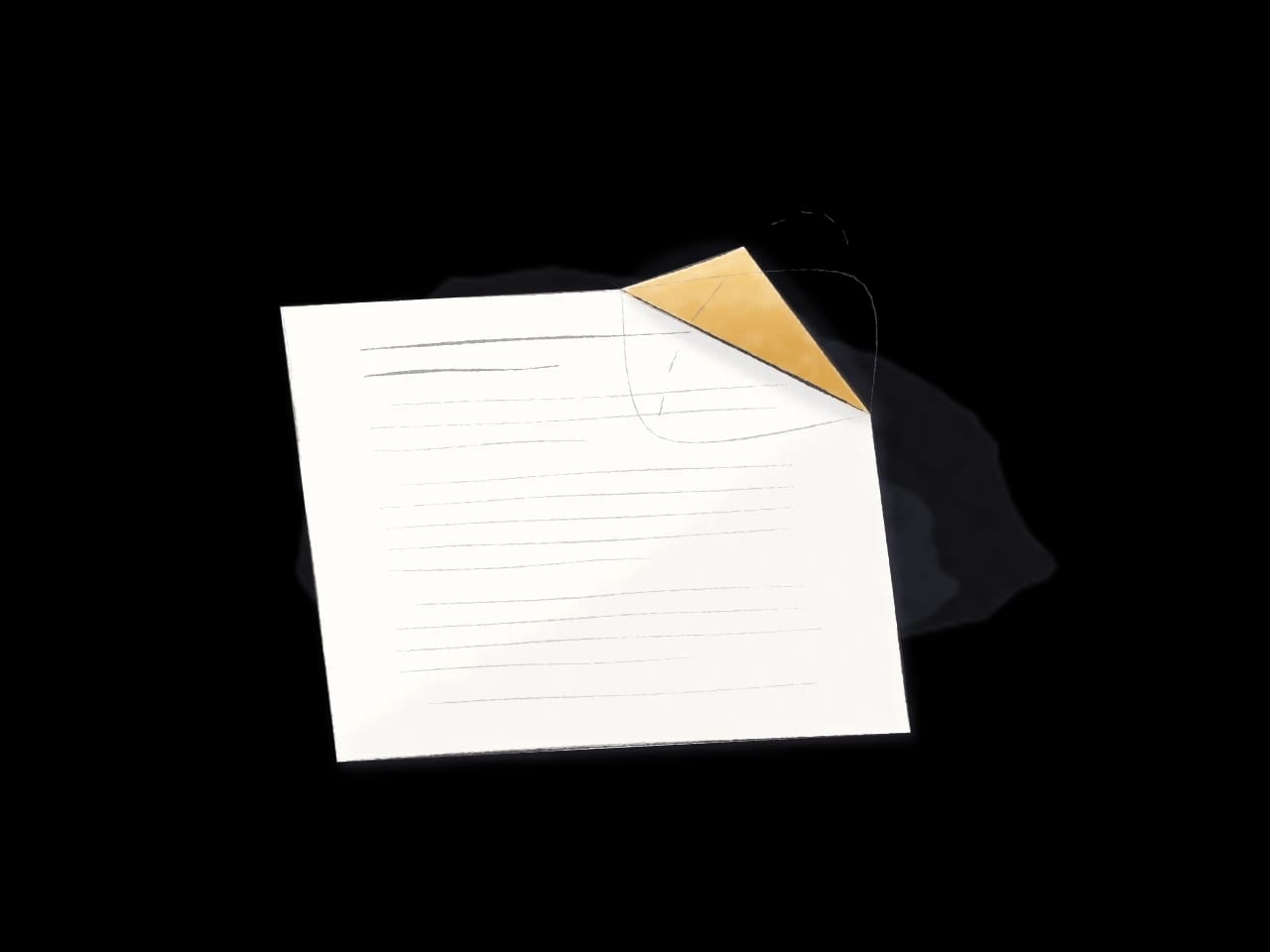
Every unread item has its corner turned down, the way you would mark a page. Read it and the corner unfolds. Nothing else in the library asks for your attention.
Deleting moves an item to Trash, where you can still restore it. Trash empties itself after the time you choose: 1, 7, 30 or 90 days, or never.
Move through the pile with j and k, mark what you have read with e, and search with /. Press ? in the app for the full list.
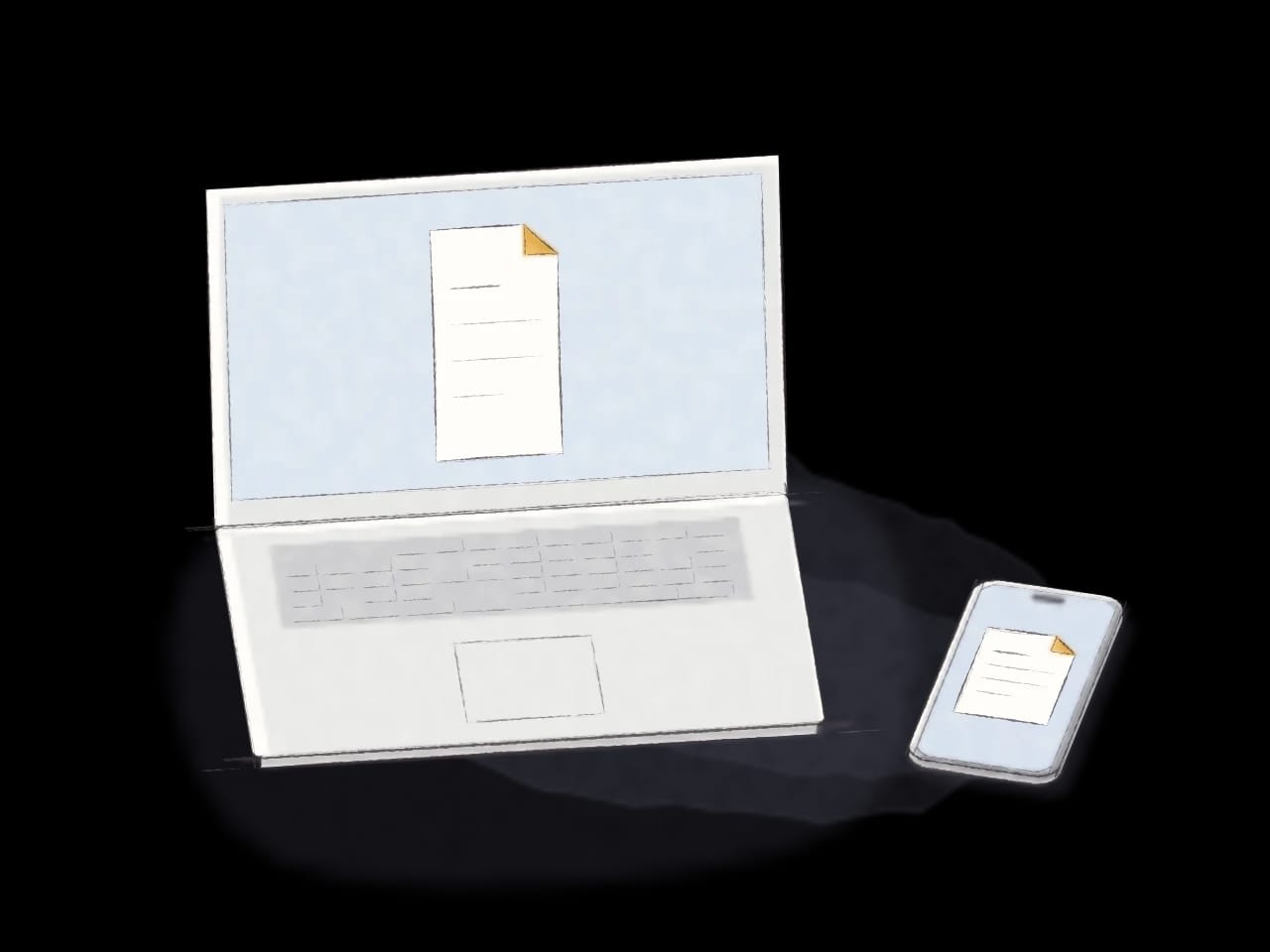
Read It Later runs in the browser, as a Mac app, and on iPhone and Android, with the same library on each. It opens in light, and each device can switch to dark or follow the system.
Open Read It Later